
Imagine this. You spot the perfect gadget on Amazon, snag it at checkout, and feel that rush of a smart buy. A week later, you scroll past the same item slashed 30% lower, maybe even 75% off in electronics deals like recent CamelCamelCamel trackers show. Ouch. That sting hits every shopper.
Prices online don’t sit still. They shift daily because of flash sales, demand spikes, or algorithms pitting Amazon against Walmart. Walmart’s Rollbacks, for example, pop up and vanish fast on gadgets and basics, while Amazon matches competitors with drops every few days. No wonder reports show frequent 20-75% swings.
You can fight back and save 10-25% on average, just like other smart buyers do with price tracking tools. No more guesswork or constant refreshing. Instead, set it and forget it.
In this post, you’ll get simple steps, free tools like CamelCamelCamel for Amazon and Google Shopping for Walmart alerts, plus tips to track prices before buying on any site. Ready to turn buyer’s remorse into easy wins? Let’s jump into the basics first.
Unlock the Real Reasons to Track Prices Before You Buy
You already know prices fluctuate online, but do you grasp why tracking them pays off big? In 2026’s economy, with costs rising on everything from groceries to gadgets, smart shoppers stretch budgets by spotting drops before they buy. Tools reveal real savings of hundreds yearly, like families saving up to $1,200 on groceries by timing buys. You avoid buyer’s remorse, compare stores easily, and time purchases right. For example, wait for that TV to fall from $500 to $350, as common trackers show. Data gives peace of mind, so you shop with confidence.
Here are key wins that make tracking essential:
- Spot flash sales fast: Grab deals before they vanish, like 20-40% electronics cuts during Black Friday patterns.
- Ditch regret: See if today’s “sale” beats history lows, saving $200 or more per big buy.
- Compare everywhere: Check Amazon against Walmart in seconds for the true best price.
- Perfect timing: Buy when patterns hit, such as end-of-month clearances on clothes or staples.
These habits turn random shopping into steady wins. Now, let’s break down how.
Save Hundreds on Everyday Shopping
Price history charts from tools like CamelCamelCamel show drops you miss otherwise. Take TVs: prices often plunge 30% or more, from $1,199 list to $849 real deals. You spot these swings on electronics, clothes, or groceries.
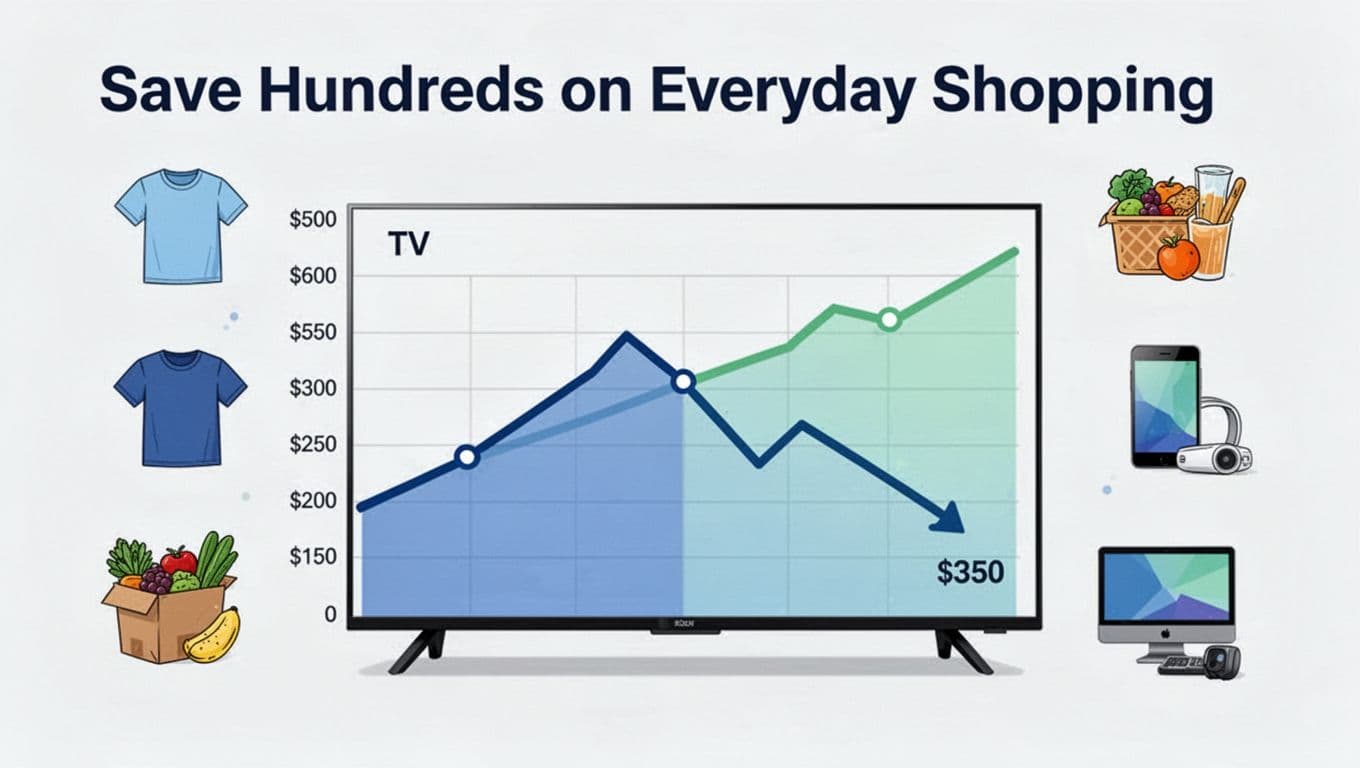
Tracking uncovers patterns too. Black Friday previews build weeks early, with Amazon matching Walmart Rollbacks. End-of-month deals hit staples like milk, swinging from $1.76 to over $10 per gallon. One family tracked Instacart baskets varying $114 to $124, adding up to $1,200 yearly savings. You do the same on washers or TVs by watching charts. Therefore, everyday buys shrink fast. In addition, 22% of shoppers use these for electronics alerts amid fluctuations.
Get Ahead of Limited-Time Deals
Flash sales and low stock vanish quick, but alerts keep you in the game. Set notifications for price drops or restocks on hot items like gadgets. You never miss Walmart Rollbacks or Amazon lightning deals again.

For instance, Walmart price trackers ping you when a $398 TV hits $348. Meanwhile, Amazon tools watch 200 million items for sudden shifts. Stock alerts prevent empty-cart frustration on popular electronics. As a result, 70% of users check these daily, twice as often for gadgets. You stack them with apps for groceries or clothes too. Most importantly, this setup catches 2026’s dynamic pricing before others. Ready to pick the right tools? Next, we cover top free options.
The Best Free Tools to Track Prices Effortlessly
Free tools make price tracking simple and effective, especially for beginners. You install them in seconds, and they run quietly in the background. Most offer charts overlaid right on product pages, plus alerts via email or push notifications. Pick two or three based on your habits: Amazon shoppers love CamelCamelCamel or Keepa, while multi-site hunters grab Honey alongside PageCrawl. These stand out in 2026 reviews for speed and zero cost upfront. Let’s break them down.
Browser Extensions for Instant Price Checks
Browser extensions shine because they activate on any shopping page you visit. They overlay price history charts, hunt coupons, or compare deals without extra clicks. CamelCamelCamel, Keepa, Honey, PriceBlink, and Karma lead the pack. You add them from the Chrome or Firefox store in one click; no account required for basics.
Start with CamelCamelCamel. It shows Amazon price history charts directly under products. Set email alerts for drops below your target. Pros include full free access and accurate data; cons mean Amazon-only focus. Get it at the CamelCamelCamel site.
Next, Keepa delivers detailed graphs with seller info and stock trends. It supports browser pop-ups, email, or Telegram alerts. The free tier covers most users, though premium unlocks extras. Best for deep dives, but graphs can overwhelm newbies. Check the Keepa site.
Honey auto-applies coupons and tracks prices at checkout across 30,000 stores. It tests codes instantly; no alerts needed since savings show live. Fully free with no limits. Downside: less history charting. Install via the Honey site.
PriceBlink scans for lower prices at other stores while you shop. It pops up deals and coupons. Simple and free, but alerts are basic. Great for quick comparisons, less for long-term watches. Visit the PriceBlink site to add it.
Karma tracks prices across sites with push alerts and cashback. Free tier works well for everyday use. Pros: multi-store support; cons: occasional ad prompts.
Here’s a quick comparison to match your needs:
| Tool | Best For | Alerts | Limits |
|---|---|---|---|
| CamelCamelCamel | Amazon history | None | |
| Keepa | Detailed Amazon graphs | Email, push | Basic free |
| Honey | Coupons at checkout | None (live) | None |
| PriceBlink | Multi-store deals | Basic | None |
| Karma | Cross-site tracking | Push | Free tier |
This setup catches most drops automatically. Amazon fans, pair CamelCamelCamel with Honey first.
Apps and Sites for Broader Tracking
When you shop beyond Amazon, apps and sites like PageCrawl, Capital One Shopping, and Visualping expand your reach. They monitor any page, even custom ones, with visual change detection. Sign-up takes under a minute; add items by pasting URLs.
PageCrawl uses AI to track prices on any site, including logins. It sends charts, summaries, and Slack or email alerts. Free for six monitors. Steps: Sign up at their site, paste a product URL, select price area, set alert threshold. Pros: flexible for competitors; cons: limited free slots.
Capital One Shopping (once Wikibuy) compares deals and applies rewards via browser extension or app. It tracks purchases automatically. No sign-up hassle for basics. Add items during checkout; get alerts on rewards. Free with strong multi-store coverage, though best with a Capital One account.
Visualping watches visual changes like price tags or stock. Pick the screen area to monitor. Free for 150 checks on five pages. Quick steps: Create free account, enter URL, highlight price zone, choose check frequency (every 30 seconds possible), add email alert. Ideal for non-price shifts too; limits scale with use.
These tools complement extensions perfectly. For example, use PageCrawl for Walmart Rollbacks alongside Honey. Test one today; track three items and watch savings roll in. Most importantly, combine them for full coverage across stores.
Step-by-Step Guide to Setting Up Price Alerts Today
You set up price alerts in under five minutes, and they work quietly until deals hit. First, pick your target price based on history charts from earlier tools. Then follow these steps for Amazon, Walmart, or eBay. Email or push notifications keep you posted without constant checks. Start small with three items to avoid overload. Most importantly, confirm your email right away so alerts arrive.
Alerts on Amazon and Big Retailers
Amazon shoppers start with CamelCamelCamel because it tracks millions of products for free. Copy the product URL from Amazon. Next, paste it into the search bar on CamelCamelCamel’s site. Hover over the Amazon price icon on the chart page. Click the -$0.01 link or enter your target like “notify at $50.” Hit Start Tracking, and confirm via email.
Here’s the quick process:
- Open Amazon, find your item, and copy the page URL.
- Head to camelcamelcamel.com and paste it in the top search.
- Check the price history chart first to pick a smart threshold.
- Hover the price tag (usually blue for Amazon), select your notify price.
- Click Start Tracking; enter your email if needed.
You get an email ping when it drops. For deeper charts, add the Keepa extension. Install from their site, then right-click product pages for alerts via email or app push.
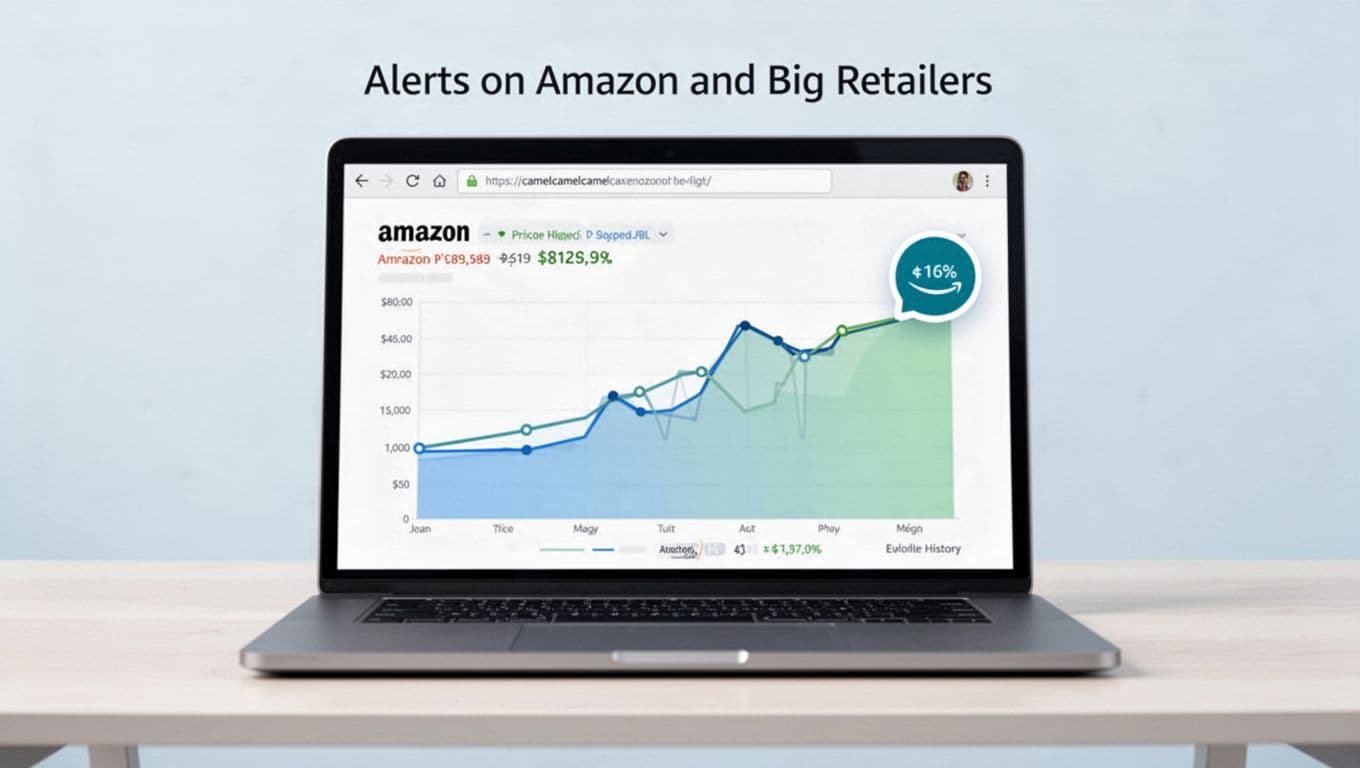
Walmart and eBay work similar with browser tools. Use Karma extension: clip the product image on site, set drop alert to your price, choose push or email. For Walmart Rollbacks, it scans fast. eBay auctions? Set low-bid alerts the same way. Mobile apps like CamelCamelCamel’s companion let you check on the go; download from app stores and sync your lists.
Troubleshoot no alerts by checking spam folders first. Also, verify your threshold isn’t too low. Track multiple items by creating wishlists in the tool dashboard. Group gadgets together, for example. As a result, you stay ahead without overwhelm.
Tracking Across Any Website
Any site needs flexible tools like PageCrawl or Karma. They watch custom pages, even behind logins. Sign up free for six monitors on PageCrawl. Paste the product URL, select Price mode so AI spots the number automatically. Set check frequency every two hours, enter your drop threshold, and pick alerts like email or Slack.
Follow these steps for PageCrawl:
- Go to pagecrawl.io, create a free account.
- Add new monitor and paste any site’s product URL (Walmart, eBay, niche stores).
- Choose Price tracking; highlight the price area if needed.
- Set frequency (two hours for deals), threshold like “under $100,” and alert type.
- Save and test with a quick check.
Karma shines for clipping: Install the extension, visit the page, click the clip icon on the product, drop your price target, and enable push alerts. It works across 30,000 sites. Both send summaries with charts. Therefore, you cover gaps like small retailers.
For mobile, use PageCrawl’s app or Karma’s notifications. Limit to five tracks at first. If issues pop up, adjust frequency slower. You save 10-25% effortlessly now.
Smart Habits That Boost Your Savings Even More
You nailed the tools and alerts. Now build habits that supercharge those savings. Simple tweaks prevent slip-ups and stack wins. For example, combine tracking with cashback apps during peak seasons like Black Friday. Set thresholds at 10-20% drops, as experts recommend. Review history charts before holidays too. These steps turn one-time deals into yearly habits. In addition, wait 48 hours on impulse buys. Link trackers to budgeting apps for full control. Newer tools like PageCrawl even send AI summaries of drops. Most importantly, limit tracks to 10 items. You stay focused and save more.
Common Mistakes and Quick Fixes
Pitfalls kill savings fast. Forgetting alerts means missing drops. Ignoring shipping or fees turns “deals” into duds. Tracking too many items overwhelms you, so cap at 10. Junk emails bury real pings too.
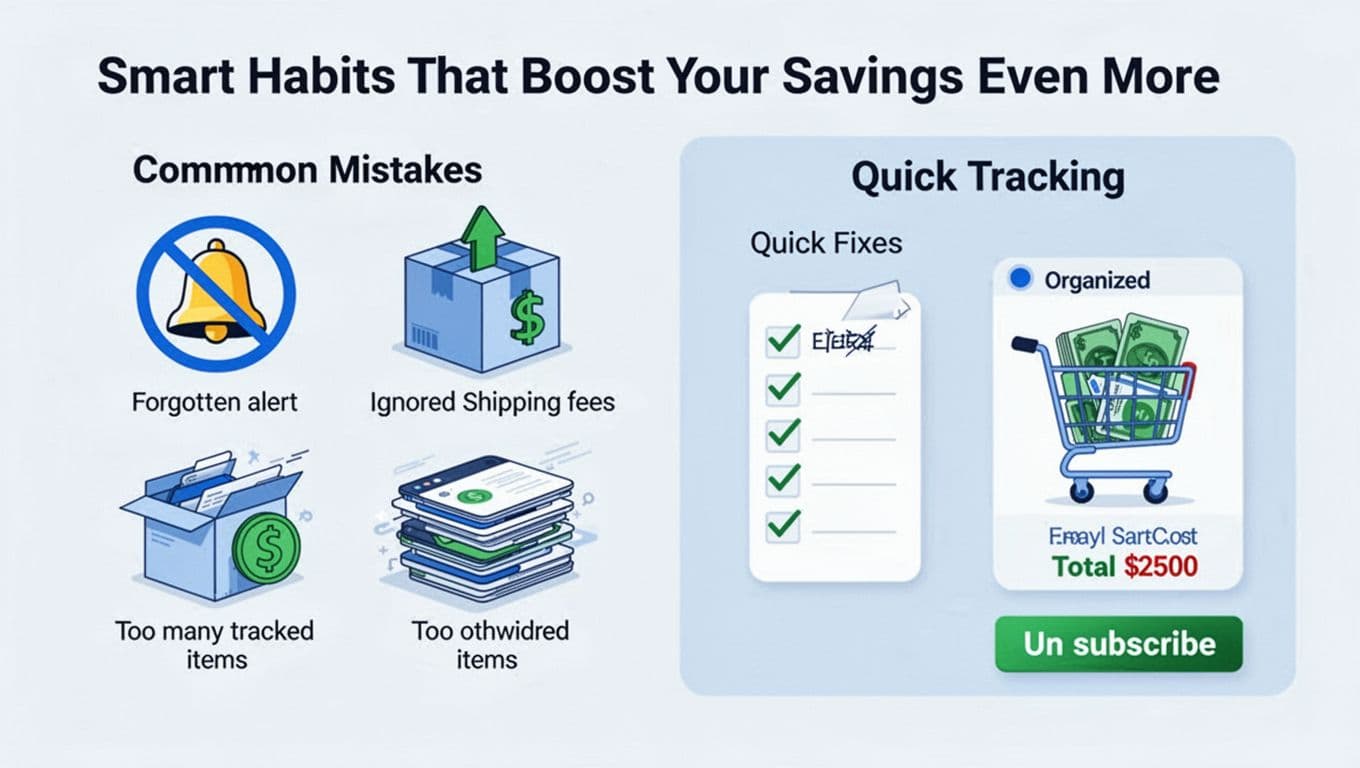
Quick fixes keep you sharp. Organize lists by category in tools like CamelCamelCamel. Always check total cost, fees included. Unsubscribe from junk to clean your inbox. Here’s how to dodge them:
- Forget alerts? Set phone push notifications first. Test one today.
- Ignore fees? Add shipping to your threshold. Compare landed prices across sites.
- Track overload? Pick top 10 must-haves. Review weekly and drop old ones.
- Junk overload? Use filters for “CamelCamelCamel” or “PageCrawl.” Unsubscribe extras.
Build long-term wins. Track during sales peaks. Pair with Rakuten for cashback. Integrate YNAB for budgets. As a result, you save 10-25% steadily amid 2026’s 2.4% price rises. Habits like these add up to hundreds yearly.
Conclusion
You now hold the power to dodge that buyer’s remorse sting from the start. Tools like CamelCamelCamel and Karma reveal real drops of 10-25%, so you buy at the right moment. In addition, easy alerts across Amazon, Walmart, and beyond keep savings steady.
Setup takes minutes, as you saw with simple steps for extensions and apps. Therefore, pair them with habits like capping tracks at 10 items and checking total costs. Most importantly, these tweaks boost your wins year after year.
Pick one tool today, like CamelCamelCamel. Add three wishlist items with alerts, then watch the deals roll in.
Share your first savings story in the comments below. Smart shopping in 2026 means you control the prices, not the other way around.