Sarah spotted a killer deal on sneakers last week. She clicked a social media ad that led to what looked like Amazon. Excited, she entered her card details fast. Next day, $500 vanished from her account. Scammers had used an AI-generated fake site that mimicked every detail perfectly.
These tricks exploded in 2026. AI tools create phishing sites every 20 seconds, up over 1,200% from last year. They copy real stores with flawless designs, logos, and even chatbots. US fraud losses hit $66 billion this year alone, from Magecart attacks on legit shops to phony checkout pages. You face these risks daily on mobile or desktop.
This post breaks down key checks. You’ll learn about HTTPS padlocks, site reputation, trusted payment gateways, scam red flags, and mobile habits. Follow them, and you’ll block 90% of threats. Best part: a quick 30-second checklist keeps you safe every time.
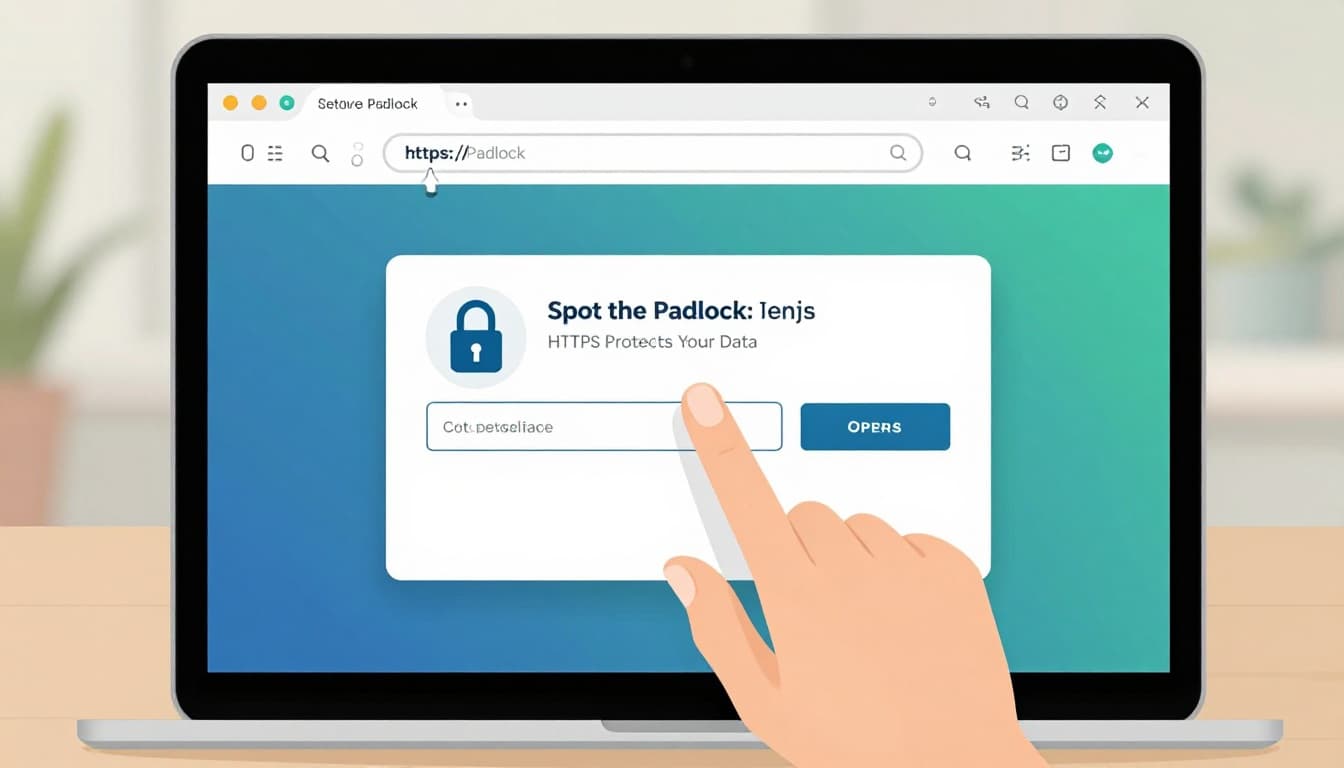
Spot the Padlock: Confirm HTTPS Protects Your Data
HTTPS keeps your payment info safe. It encrypts data between your device and the site. Hackers can’t steal card numbers mid-transmission without it. Always look for “https://” at the start of the URL. Spot the padlock icon next to it too.
Click that padlock for more proof. Browsers show the SSL/TLS certificate details. Check if it’s valid and not expired. Look for trusted issuers like Sectigo or Let’s Encrypt. The domain name must match exactly, no mismatches.
Browsers warn you otherwise. See “Not Secure” or a red flag? Close the tab right away. Enable HTTPS-only mode in settings for extra protection. Sites with HSTS headers force secure connections automatically. This stops most man-in-the-middle attacks.
In 2026, fake sites skip proper HTTPS often. Real ones use end-to-end encryption. Tokenization swaps your card for a one-time code too. Test suspicious sites with a free SSL certificate checker. It grades validity in seconds.
These steps take moments. They block data theft before you type anything.
What to Do If the Certificate Looks Fishy
Inspect details closely. Open the certificate and note the issuer. Self-signed ones scream fake. Expired dates or domain mismatches mean trouble.
Close the page immediately. Report it to Google Safe Browsing. Compare it to the real site’s certificate. Legit ones match perfectly.
Tools help verify fast. For example, Sectigo’s guide shows browser steps. Walk away if doubts linger. Better safe than sorry.
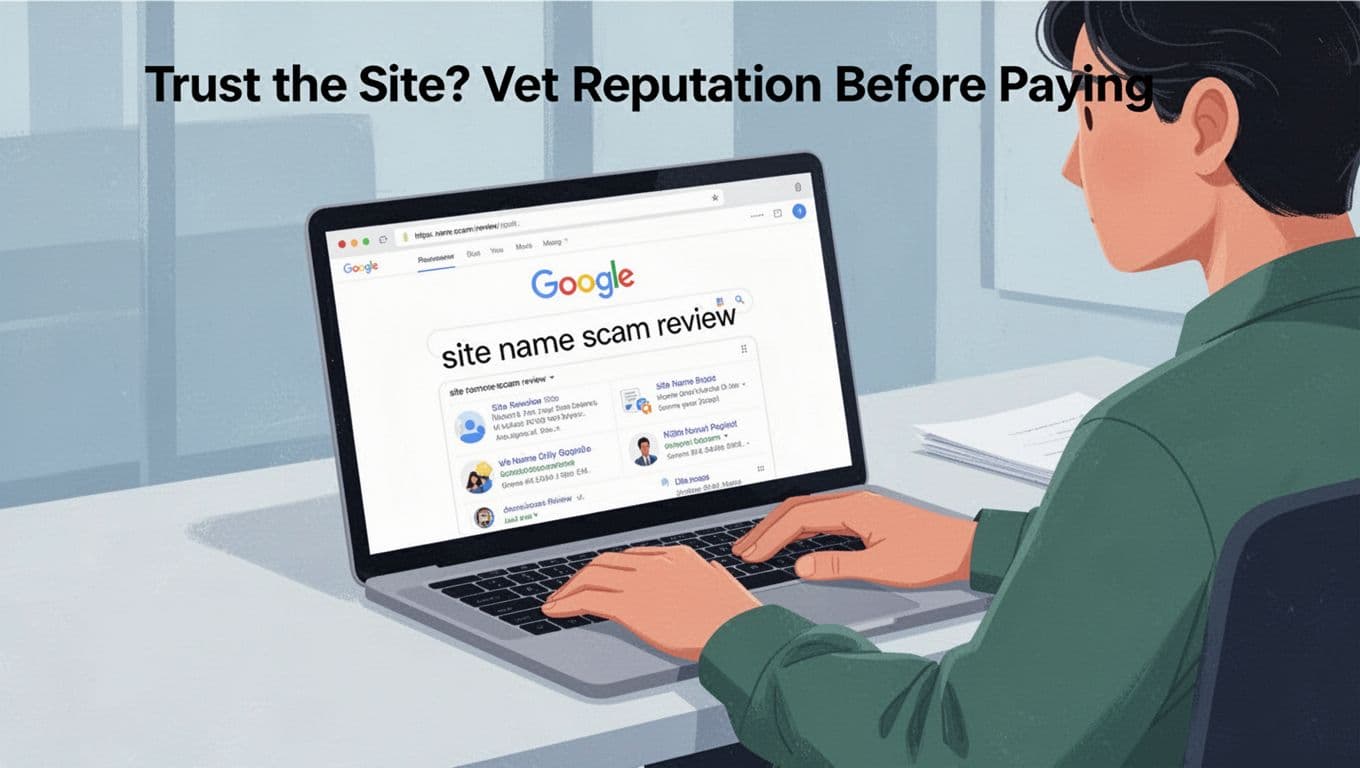
Trust the Site? Vet Reputation Before Paying
New sites tempt with deals, but check first. Search the site name plus “scam” or “review” on Google. Look at top results for patterns.
Head to Trustpilot or BBB next. Read recent complaints about stolen cards or no deliveries. Reddit threads reveal hidden issues too. Sites with poor scores under 3 stars? Skip them.
VirusTotal scans for malware. Google Safe Browsing flags phishing. Prefer established stores over pop-ups. AI fakes mimic big brands now, so dig deeper.
One example: a user searches “sneakdealz scam.” Results show chargeback stories. Walk away from those.
In 2026, fake shop networks hit 20,000 domains. They steal details then vanish. Good reps build trust over time.
Real User Reviews Reveal Hidden Dangers
Scan reviews for patterns. Multiple chargeback mentions? Red flag. Data theft stories repeat often on fakes.
Ignore obvious fake positives. They gush too much. Balance with site age via WHOIS lookup. New domains under six months need extra caution.
Trustpilot scores help. Check BBB complaints for patterns. Real feedback saves your money.
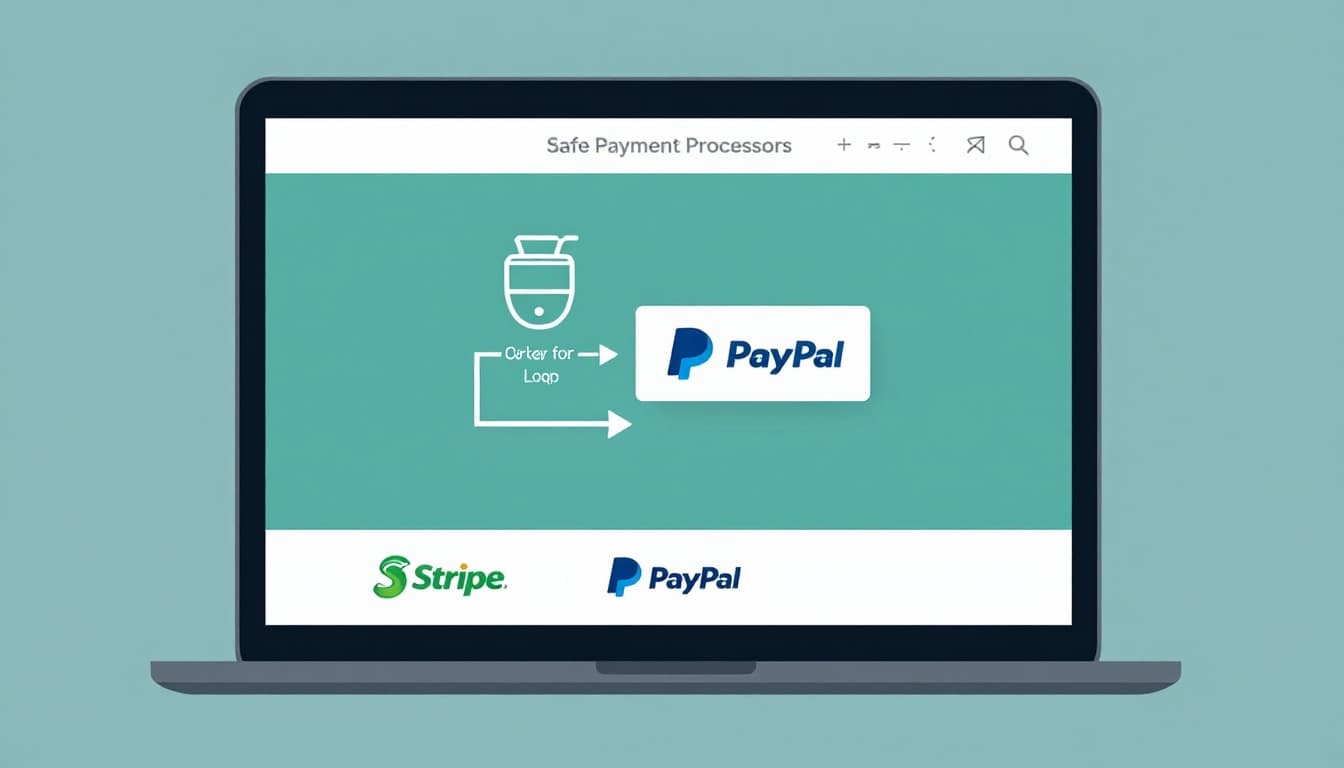
Safe Payment Processors: Look for Stripe, PayPal Logos
Trusted gateways add layers of safety. Spot Stripe, PayPal, or Square logos at checkout. “Powered by” badges confirm it.
These redirect to their secure pages. You type there, not on the store form. They handle encryption and fraud checks. Visa or Mastercard seals boost confidence too.
Web Application Firewalls block attacks. In 2026, Stripe leads for online sales, per Zapier reviews. PayPal suits mobile buys.
Avoid direct site forms. They risk Magecart hacks. Gateways use tokenization, so your card stays hidden.
Steer Clear of Sketchy Forms and Pop-Ups
Legit checkouts feel calm. No urgent pop-ups push you. Enter details only on gateway pages.
Scams use pressure tactics. “Limited stock, pay now!” means run. Stick to known processors for peace.
Dodge Common Scams and Mobile Traps
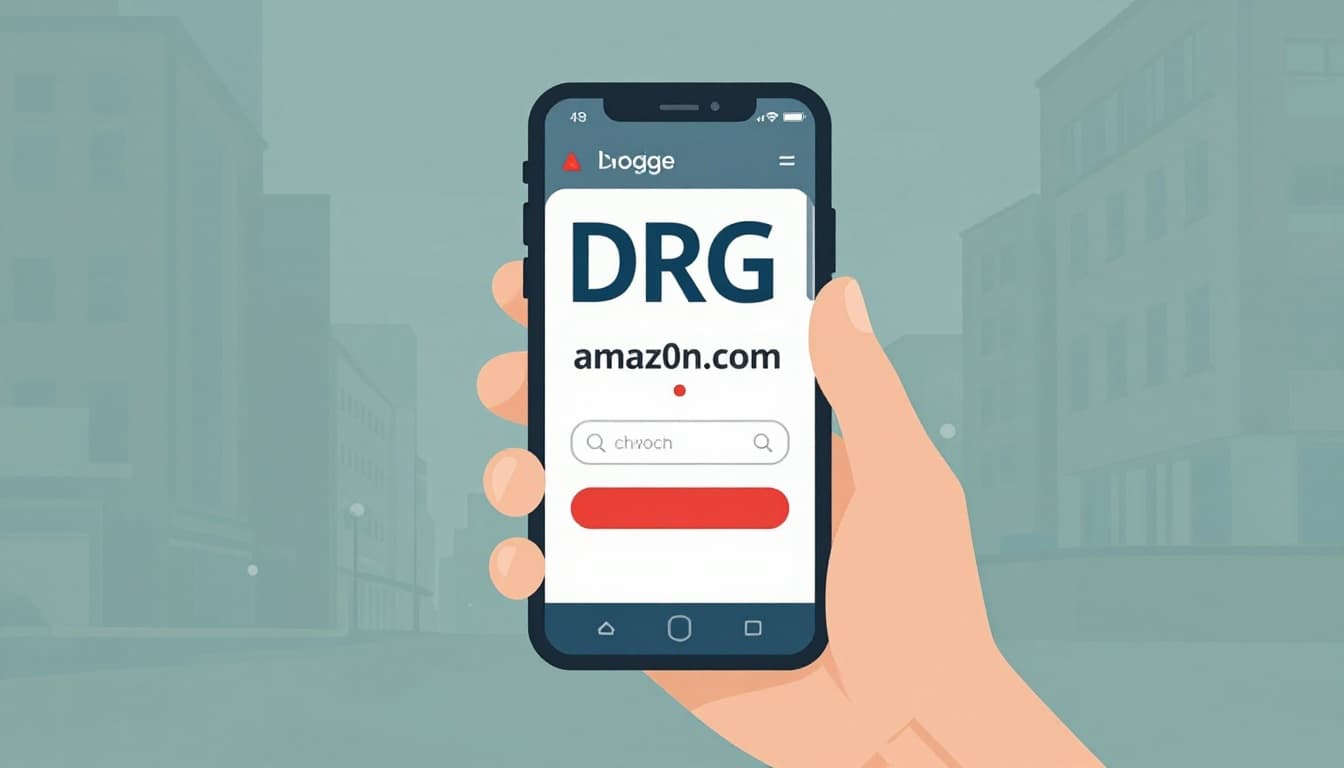
Phishing hides in URL tricks. amaz0n.com looks real but steals data. Hover to check full links.
Too-good deals scream scam. Pressure like “sale ends soon” rushes you. Pop-ups or redirects? Close fast.
Check privacy policy and contact info. Real sites list phones and addresses. Learn more from Malwarebytes on fake shops.
On mobile, update OS and apps. Use MFA with fingerprints. Avoid public Wi-Fi; VPN hides data. Biometrics beat passwords.
Daily scans catch malware. Green address bars confirm security.
Mobile-Only Habits That Lock Down Your Info
Enable transaction alerts. They ping for every charge.
Use Apple Pay or Google Wallet. They tokenize cards. No old apps; delete them.
Lock with face ID. These block 2026 takeover scams.
Quick Checklist for Safe Payments
Before you enter payment information, run this 30-second check:
- HTTPS padlock and valid certificate? Yes.
- Site rep clean on Google, Trustpilot? Yes.
- Stripe or PayPal logos? Yes.
- No URL tricks or pressure? Yes.
- Mobile MFA on, no public Wi-Fi? Yes.
These steps block most risks. Sarah wishes she knew them. You shop safe now in 2026.
Share your close calls below. What’s your top tip? Subscribe for more alerts. Safe browsing ahead.